By and large, JasperFx recommends using an "async turtles all the way down" workflow in systems when you can get away with that, and we think the LLM callout feature here is going to be much healthier in an async workflow rather than being called inline
Wolverine 6.33 ships a new extension package called WolverineFx.AI that allows you to make a callout to ask a large language model a question as a message. Not as an injected IChatClient you await in the middle of a handler as a cascading message that goes through the same transactional outbox, the same retry policies, the same back pressure, and the same dead letter queue as everything else in your system. The docs are at LLM Callouts.
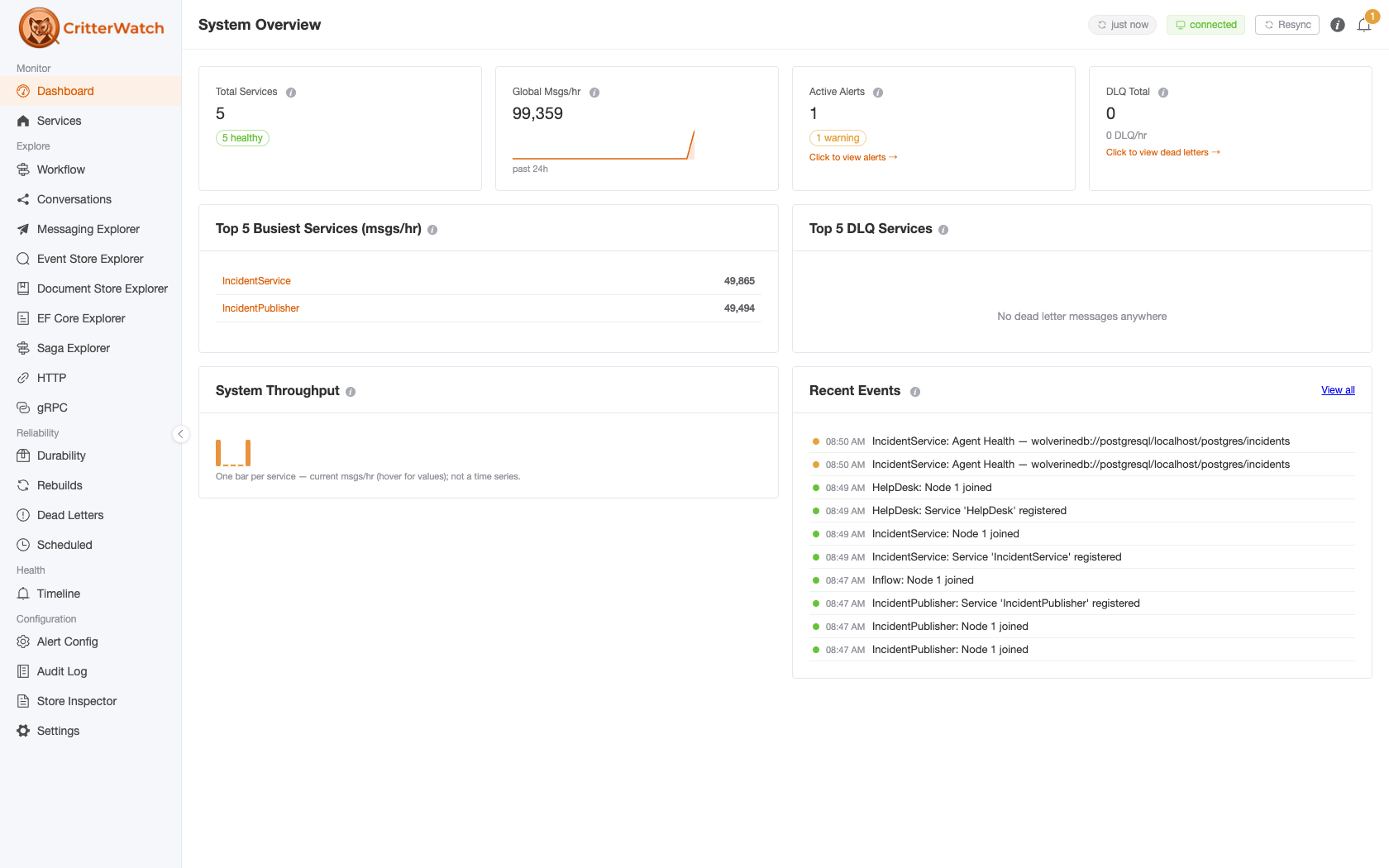
The first production use of WolverineFx.AI at JasperFx is going to be inside CritterWatch, as the foundation of what we're calling AI Assisted Production Support in CritterWatch 1.1. -- until we can think of a better name anyway.
More on that below. First, the feature.
The problem with awaiting a model in a handler
Say you want a model to triage an incident as part of processing a message. The obvious thing is to inject an IChatClient into your handler and await it right there. That works, right up until you think about what your handler is actually doing while it waits:
- It's holding a database transaction open
- It's holding an unacknowledged message open on whatever transport you're using
- It's tying up a listener thread on a queue that probably has a parallelism limit
And it's waiting on the slowest, flakiest, most expensive, most rate-limited dependency your application has. Models take seconds to answer on a good day. Providers throw 503s. Rate limits kick in exactly when you're busiest. And when the answer finally comes back, if your own downstream work blows up, you've got a choice between losing the answer you already paid for or re-running the whole thing and paying for it twice.
None of this is new. Slow, flaky, remote work that you'd like to retry, throttle, and observe is precisely what messaging exists for, and Wolverine already has all of the machinery. So instead of awaiting the model, you return a message asking for the answer:
public static class AlertSeenHandler
{
    // The callout is returned as a cascading message next to the storage action, so it is enrolled
    // in the same outbox as the write: a callout cannot fire for a transaction that did not commit.
    public static (IStorageAction<Incident>, LlmCallout) Handle(AlertSeen message, Incident incident)
    {
        return (Storage.Update(incident),
            LlmCallout.Ask<IncidentTriage>(Prompts.Triage, incident.Snapshot()).Tagged("triage"));
    }
}

// The answer arrives as an ordinary message, with an ordinary handler, an ordinary retry policy,
// and its own place in the correlation chain.
public static class TriageHandler
{
    public static void Handle(IncidentTriage triage)
    {
        // page someone, open a ticket, whatever the severity calls for
    }
}
LlmCallout is an ordinary Wolverine message that happens to be handled by calling a model. Because it's an ordinary message, you get a lot of behavior without writing any of it:
- Transactional outbox. The callout is enrolled in the same outbox as the storage action beside it, so a callout can never fire for a transaction that rolled back, and it can't be lost if the process restarts in between.
- Retries and error policies. A 503 from your provider gets the cooldown schedule.
- Back pressure. The callout queue caps how many calls are in flight, regardless of how fast something upstream publishes them.
- Scheduling.
DeliveryOptions.ScheduleDelayworks on a callout like on anything else. - Correlation. Every callout is an envelope, so correlation and causation ids already tell you where a model call came from and what it caused.
And the model's answer comes back as a completely ordinary message: its own handler, its own retry policy, its own spot in the correlation chain.
I'll note that this is deliberately publish-only. There's no correlated request/reply flavor and no way to block waiting on an answer. It's pub/sub async workflows all the way down, and the whole point is that your handler finishes and commits long before the model has even started thinking.
Getting started
dotnet add package WolverineFx.AIWolverineFx.AI depends on the Microsoft.Extensions.AI abstractions and nothing else. No vendor SDK. It's the same bargain as ILogger: Wolverine binds to the BCL-blessed abstraction, and which provider you use -- Anthropic, OpenAI, Azure, Ollama, something running on your laptop -- is your business. Registering the IChatClient is your job, which also means any middleware you want to wrap around it stays your call:
using var host = await Host.CreateDefaultBuilder()
    .UseWolverine(opts =>
    {
        // Registering the IChatClient is yours. Wolverine.AI only references the
        // Microsoft.Extensions.AI abstractions, so the provider -- and any middleware
        // over it, like UseOpenTelemetry() or UseDistributedCache() -- is your choice.
        opts.Services.AddSingleton(chatClient);

        opts.AddLlmCallouts(ai =>
        {
            ai.DefaultModelId = "claude-sonnet-5";
            ai.DefaultSystemPrompt = "You are an experienced site reliability engineer.";

            // Back pressure: at most this many calls to the model are in flight at once,
            // no matter how fast callouts are published.
            ai.MaximumParallelCallouts = 5;

            // Spend guardrails, enforced as middleware on the callout queue.
            ai.Budget.MaximumPromptCharacters = 20_000;
            ai.Budget.MaximumTokensPerWindow = 200_000;
            ai.Budget.Window = 1.Minutes();
        });
    }).StartAsync();
AddLlmCallouts() puts every callout in your application on one dedicated, durable local queue named llm-callouts. Durability is on by default, and it's rather the whole point.
Structured answers
LlmCallout.Ask<TResponse>() asks the model for an answer shaped like TResponse. Wolverine builds a JSON schema from that type, hands it to the model as the response format, reads the answer back, and publishes it as an ordinary message of that type:
LlmCallout.Ask<IncidentTriage>("Classify this incident.", incident.Snapshot());The second argument is optional context. It gets serialized to JSON and appended underneath your prompt at the moment you create the callout, which means the exact text the model will be asked is baked into the message. That sounds like a small detail, and it isn't: a callout sitting in your dead letter queue can be read and understood without re-running anything at all. You can see exactly what would have been asked.
Prompts are yours, by the way. Wolverine isn't trying to be a prompt templating framework. A const string, a record, Scriban, whatever you already like. By the time a callout exists the prompt is just text.
There's also a plain text flavor, LlmCallout.Ask() with no type argument, which publishes an LlmTextResponse carrying the answer and the callout that produced it, and handlers tell one kind of text callout from another by its Tag. If that starts turning into a switch statement pretending to be a type, take the hint and move to the structured flavor.
Triggering a callout from a projection
Here's a payoff from callouts being messages that I'm particularly pleased with: event store integration needed no new concepts at all. RaiseSideEffects() on the JasperFx.Events projection base class already publishes messages atomically with the projection update, and a callout is just a message:
public class IncidentProjection : SingleStreamProjection<Incident, Guid>
{
    public override ValueTask RaiseSideEffects(IDocumentOperations operations, IEventSlice<Incident> slice)
    {
        if (slice.Snapshot is { IsEscalated: true } incident &&
            slice.Events().OfType<IEvent<IncidentEscalated>>().Any())
        {
            slice.PublishMessage(LlmCallout
                .Ask<IncidentTriage>("Classify this incident and recommend a next action.", incident)
                .Tagged("triage")

                // Stream id plus version is the natural logical identity here: a daemon retry that
                // reprocesses this slice republishes the identical callout, and this is what lets
                // deduplication recognize it as the same intent rather than a second one.
                .DeduplicatedBy($"{incident.Id}:{slice.Events().Last().Version}"));
        }

        return new ValueTask();
    }
}
One integration covers Marten, Polecat, and Fisher alike. Two behaviors worth knowing about:
- Rebuilds don't re-trigger callouts, because side effects are suppressed during a projection rebuild by default. Rebuilding a projection across two years of history should not re-triage two years of incidents, and should certainly not bill you for the privilege.
- The async daemon can republish. If a slice fails partway through it gets reprocessed and your callout goes out again. For callouts that can be republished this way, give them a logical identity with
DeduplicatedBy()and turn on Wolverine's message deduplication so Wolverine claims that id before calling the model.
Back pressure, and why the answer has its own queue
A model provider is the slowest, flakiest, most expensive thing your application talks to. You almost certainly don't want an unbounded number of requests going out at once just because something upstream published a burst. MaximumParallelCallouts is the knob, and since the callouts live on a normal local queue, everything else a local queue can do is available too, including circuit breakers so you stop calling a provider that is plainly down, or Sequential() for a provider that only lets you have one conversation at a time.
The part that's easy to miss is that the answer is not on the callout queue. It's an ordinary cascading message, so it gets routed and handled like anything else, and its parallelism, durability, and ordering are configured separately:
opts.AddLlmCallouts(ai => ai.MaximumParallelCallouts = 10);

// The answer is an ordinary message, so the queue it lands on is configured the ordinary
// way. Ten callouts can be in flight against the model while the work their answers kick
// off -- paging someone, writing to a downstream system -- runs one at a time.
opts.LocalQueueFor<IncidentTriage>()
    .Sequential()
    .UseDurableInbox();
The two sides of a callout have genuinely different constraints. Talking to the model wants throughput within whatever your provider will tolerate. The work the answer kicks off might be writing to a downstream system that wants one thing at a time. Tuning them together would mean picking the worse of the two numbers.
Budgets and failures
The expensive way for this to go wrong is a runaway prompt, or a loop that publishes callouts faster than anyone notices. Advice in a documentation page has never once stopped that from happening, so the guardrails are middleware on the callout queue instead:
opts.AddLlmCallouts(ai =>
{
    ai.Budget.MaximumPromptCharacters = 20_000;
    ai.Budget.MaximumTokensPerWindow = 200_000;
    ai.Budget.Window = 1.Minutes();
});
MaximumPromptCharacters refuses a callout before your provider is ever called, so a context you accidentally assembled out of an unbounded collection costs you nothing. MaximumTokensPerWindow refuses callouts once this node has burned through its allowance, counted from the token usage your provider actually reported back. One honest caveat: the token ledger is per process, not cluster wide, so think of it as a circuit breaker against a runaway loop rather than billing enforcement.
Both budget limits dead letter instead of retrying, and so does an answer that can't be parsed into the response type you asked for. The reasoning is the same in all three cases: a callout that's over budget will be over budget on every attempt, and a prompt the model can't answer in the shape you wanted will produce the same unusable answer every time. Retrying either one is exactly the runaway spend the guardrails exist to prevent. The raw text the model sent back rides along on LlmCalloutException.RawResponse, so you can triage the dead letter without re-running it.
Everything else -- a 503, a socket reset, a timeout -- is transient and gets the cooldown schedule. And because the answer's handler is yours, its error handling is configured the ordinary way and separately from the callout's. That separation is deliberate. If the ticketing system is down when the triage answer comes back, you want to retry that, not go back to the provider and pay for the same completion a second time. The model already answered. That answer is a durable message now, and it'll still be there when the ticketing system comes back.
Observability
Callouts show up in Wolverine's metrics, logging, and OpenTelemetry spans like any other message, keyed by the llm-callouts queue. On top of that, WolverineFx.AI publishes token counters on a Wolverine.AI meter, tagged by the callout's Tag and by the model that answered: input tokens, output tokens, and total tokens billed.
If you want the full GenAI semantic convention spans, add Microsoft.Extensions.AI's own .UseOpenTelemetry() middleware when you register the IChatClient. Wolverine isn't duplicating that. What Wolverine adds is the label that middleware can't see: which callout the spend belongs to.
Testing
Being message-shaped makes this easy to test without a model anywhere in sight, and honestly that's most of the argument for the design. StubChatClient ships in the package as a scripted IChatClient:
[Fact]
public async Task triage_an_escalated_incident()
{
    // A scripted IChatClient: no key, no network, no model.
    var chat = new StubChatClient()
        .Respond(new IncidentTriage("high", "page the on-call"));

    using var host = await Host.CreateDefaultBuilder()
        .UseWolverine(opts =>
        {
            opts.Services.AddSingleton<IChatClient>(chat);
            opts.AddLlmCallouts(ai => ai.DurableQueue = false);
        }).StartAsync(TestContext.Current.CancellationToken);

    var session = await host.InvokeMessageAndWaitAsync(new AlertRaised("INC-1", "database is on fire"));

    // Assert on the callout the handler produced...
    var callout = session.Sent.SingleMessage<LlmCallout>();
    callout.ExpectsResponse<IncidentTriage>().ShouldBeTrue();
    callout.Tag.ShouldBe("triage");

    // ...on what was actually sent to the model...
    chat.Requests.ShouldHaveSingleItem().Prompt.ShouldContain("INC-1");

    // ...and on the answer coming back as an ordinary message.
    session.Received.SingleMessage<IncidentTriage>().Severity.ShouldBe("high");
}
Answers come back in the order you scripted them, and running out of script is an error rather than a repeat. That's on purpose. A test that quietly hands the last answer back for a callout it didn't know it was making is a test that passes for the wrong reason.
Better yet, a handler that returns a callout is a pure function, so the test that's actually worth writing needs no host at all:
[Fact]
public void the_handler_asks_for_a_triage()
{
    var incident = new Incident("INC-1", "database is on fire", true);

    var (_, callout) = AlertSeenHandler.Handle(new AlertSeen("INC-1"), incident);

    callout.ExpectsResponse<IncidentTriage>().ShouldBeTrue();
    callout.Prompt.ShouldBe(Prompts.Triage);
    callout.Context.ShouldNotBeNull().ShouldContain("INC-1");
}
What this is for: AI Assisted Production Support in CritterWatch 1.1
Now the part I most wanted to write about.
CritterWatch 1.0 already knows a great deal about what's going wrong in your system. It has an event sourced alerting engine that catches circuit breakers tripping, projections falling behind, back pressure stopping listeners, nodes appearing and disappearing, and dead letters piling up. It has a timeline that lays those alerts out against everything else that happened in the cluster. It has dead letter triage across every monitored service, the projection stepper, and an MCP server so an AI agent you drive can interrogate all of it. I wrote up a recorded session of exactly that a few days ago.
What CritterWatch does not do today is proactively explain any of it to you. It tells you a circuit breaker tripped on the orders listener at 2:14 AM. It doesn't tell you that the same listener started throwing NpgsqlException timeouts three minutes earlier, that the database node it talks to was restarted at 2:11, and that the dead letters piling up are almost certainly recoverable once the connection pool settles. A human operator with CritterWatch open can figure all of that out in a few minutes. It's the sort of thing that should be figured out for them.
That's AI Assisted Production Support, and it's the headline feature we're building for CritterWatch 1.1. When CritterWatch raises an alert, it will be able to hand the alert, the surrounding timeline, the relevant dead letter summaries, and projection state to a model, and get back a structured explanation of what most likely happened and a recommended next action. That explanation lands on the alert itself in the UI, in the timeline, and through the MCP tools, so an on-call engineer at 2 AM opens CritterWatch to a diagnosis, not just a notification.
And every bit of it will be built on LlmCallout, because CritterWatch is itself a Wolverine application with an event sourced alerting model. Go back and look at the projection sample above. That isn't a hypothetical; it's very nearly the shape of the code. An alert transitions into a state worth explaining, the projection raises a callout as a side effect atomically with its own update, deduplicated by stream id and version so a daemon retry doesn't bill you twice, and the model's structured answer comes back as an ordinary message that the alert stream absorbs as an event. Rebuilds don't re-explain two years of alerts. Budgets cap what a noisy night can cost. A provider outage dead letters cleanly instead of taking the alerting engine down with it. Every one of the guarantees in this post is a guarantee we needed before we'd put a model call anywhere near a tool whose whole job is being reliable when everything else isn't.
The IChatClient choice stays yours there too. CritterWatch will bind to Microsoft.Extensions.AI exactly as Wolverine does, so you'll point it at whichever provider your organization has already approved, including a model running entirely inside your own network if that's what your compliance story requires.
I'll say plainly that 1.1 is in progress and the exact shape of what ships will be driven by what our early adopters ask for. If you're running CritterWatch and you've got opinions about what a model should and shouldn't be allowed to say about your production system, now is the time to tell us.
What's not here
WolverineFx.AI is all about one shot calls to a model. Multi-turn, tool-calling agents are a completely separate concern, and one that's being designed separately in GH-4226. Embedding generation is also separate adapter work; IEmbeddingGenerator<,> is the obvious seam for event store integrations, but it's not in this release.
Wrapping up
The pitch for WolverineFx.AI is not that Wolverine has an AI feature now. It's that an LLM call is slow, flaky, expensive, remote work, and Wolverine already had a very good answer for slow, flaky, expensive, remote work. All we did was decline to invent a second one.
If you're integrating models into a Wolverine or Critter Stack system and you'd like help with the design, or you're interested in CritterWatch and want a say in what AI Assisted Production Support looks like when it ships, JasperFx support plans get you direct access to the people who wrote this code, and our consulting services cover everything from architecture reviews to hands-on delivery. And as always, come talk shop with us on Discord.