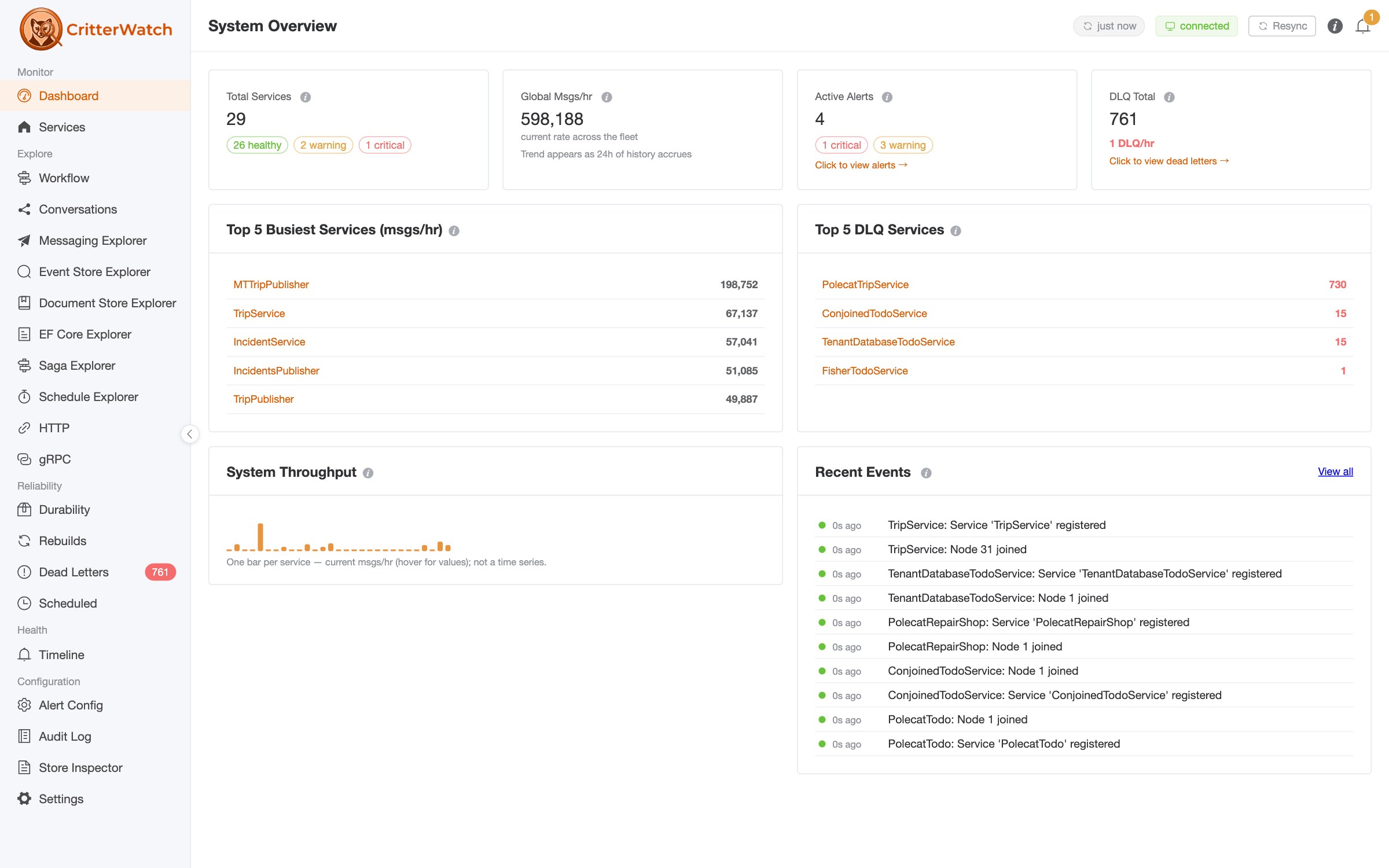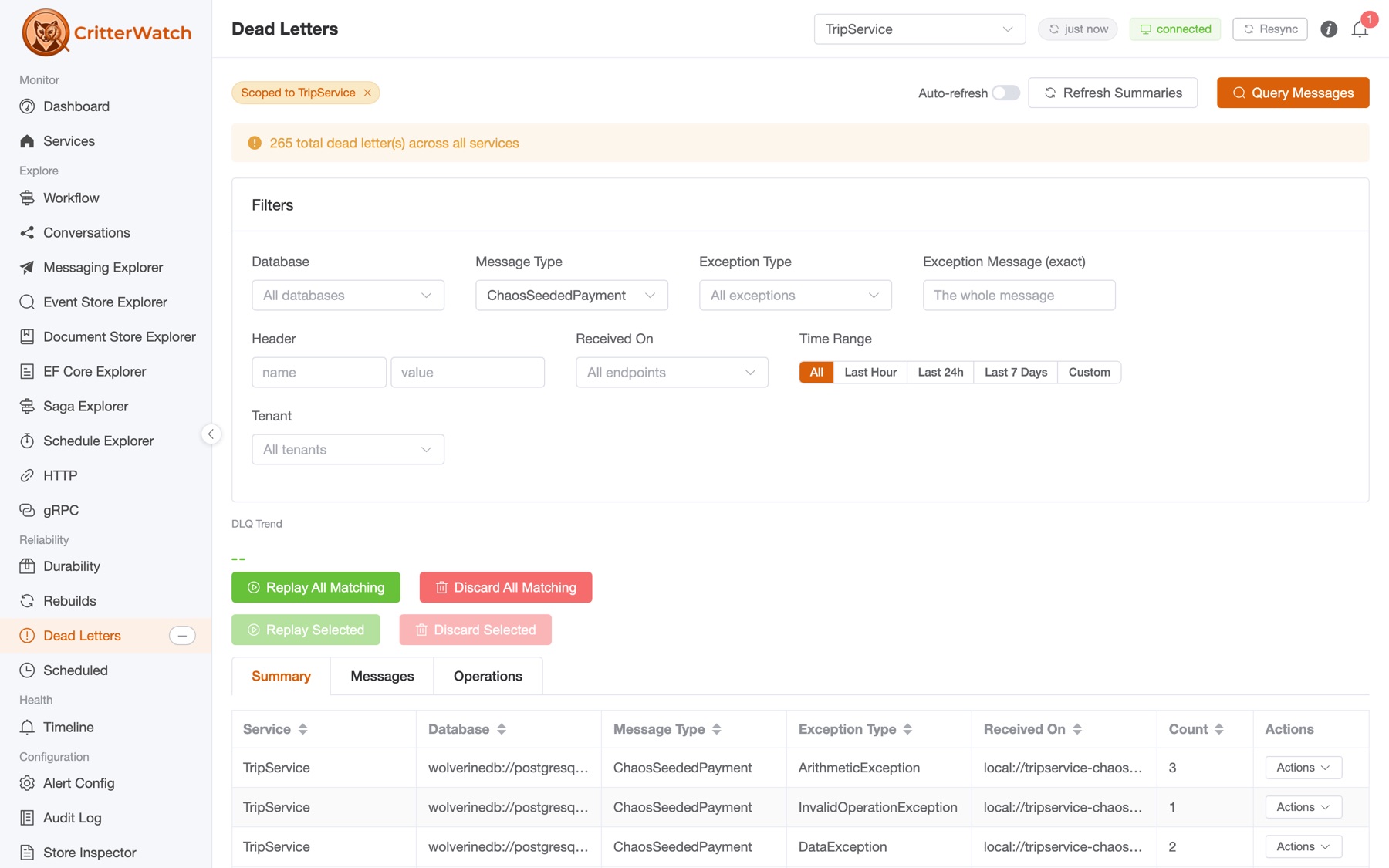
Multi-tenancy is one of the most common reasons clients bring JasperFx Software in, and it's a big part of why the Critter Stack has so much built-in support for it. Almost everything in this post was built, broken, and rebuilt for a series of JasperFx clients over the past three years. If you're building a SaaS system and would like someone who has done this a few times to look over your shoulder, we'd love to help.
I've written a lot of individual posts about individual pieces of multi-tenancy in the Critter Stack. There's Marten's conjoined model, there's database per tenant with Marten, there's a message broker per tenant, there's EF Core multi-tenancy, and there's onboarding tenants at runtime from CritterWatch. What I haven't really done is walk through the thing that makes all of those pieces fit together, which is how Wolverine carries the tenant id end to end: from the HTTP request, into the right database session, onto every message that cascades out of that request, and into every handler that eventually runs for those messages, however many hops away that is -- and even when some of those hops are message retries, scheduled delivery, or replaying messages from the dead letter queue.
I've recently seen several folks independently talking about challenges with tracking multi-tenancy all the way through a system, so I naturally thought it'd be a good time to present Wolverine's quite comprehensive story for exactly that. The persistence layer here is mostly Marten because that's the easiest to show, but everything I'm going to say applies the same way to Polecat on SQL Server and to Wolverine's EF Core integration as well, but Wolverine is the belle of the ball today.
- The tenant id is message metadata
- Step one: detect the tenant at the edge
- Step two: the right session, with no code from you
- Step three: the message carries the tenant
[Entity], storage actions, and aggregates are tenant-aware too- The only transactional outbox in .NET that lives in each tenant's database
- Going further: a message broker per tenant
- This is not a weekend project
- How JasperFx can help
The tenant id is message metadata
In Wolverine, the tenant id isn't an ambient service (think AsyncLocal tricks), it isn't something you fish out of a scoped IoC container that's magically threaded through middleware like many ASP.Net Core solutions, and it isn't an argument you thread through six layers of code. It's a first class citizen on Wolverine's Envelope (our EIP book Envelope Wrapper implementation) that is accessible within any message handler.
Don't worry, we're also going to talk about HTTP and by extension, gRPC below
That sounds almost too simple, but it buys you a lot:
- Anything that publishes a message from inside a request or a handler can stamp the current tenant onto the outgoing envelope, so cascaded messages inherit the tenant for free
- Anything that receives a message, on the same node a millisecond later or on a different node after a Rabbit MQ hop, reads the tenant back off the envelope before the handler runs
- Anything that opens a database session in the middle of all of that can ask the message context which tenant is active, and that's exactly what the Marten, Polecat, and EF Core integrations do
Wolverine's multi-tenancy was built with Marten's model in mind, so tenants are identified by a string. Your tenant ids don't have to be strings in your domain, but they'll be strings on the wire.
Now let's follow one request through the system.
Step one: detect the tenant at the edge
You can also pluck a tenant id out of message metadata through Wolverine's interoperability if you're receiving messages from a non-Wolverine system. That's also something that JasperFx has assisted our clients do
In a web application the tenant has to come from somewhere in the request, and that somewhere is different for every system I've ever seen. Sometimes it's a claim on the authenticated user, sometimes it's a header the API gateway adds, sometimes it's a route argument or a subdomain. Wolverine.HTTP has a small set of "tenant id detection" strategies that you configure once, where you map the endpoints, and they fall through in order until one of them finds something:
app.MapWolverineEndpoints(opts =>
{
    // First strategy that finds anything wins
    opts.TenantId.IsClaimTypeNamed("tenant");
    opts.TenantId.IsRequestHeaderValue("x-tenant-id");
    opts.TenantId.IsRouteArgumentNamed("tenant");
    opts.TenantId.IsSubDomainName();

    // Any tenanted endpoint called without a detectable tenant
    // gets a 400 with ProblemDetails instead of quietly running
    // against the wrong data
    opts.TenantId.AssertExists();
});
Endpoints that genuinely aren't tenanted, like health checks or the tenant administration endpoints themselves, opt out with [NotTenanted]. Endpoints that might be tenanted use [MaybeTenanted] to run the detection but skip the assertion. And if none of the built in strategies fit your system (you need a database lookup, say, or to parse something out of a JWT in a way we didn't anticipate), ITenantDetection is a one-method interface and Wolverine will happily build your implementation out of the IoC container.
The important part is what happens with the value once it's found. Wolverine sets it on the MessageContext for the request before your endpoint method runs. From that moment on, that request is an acme request, and everything downstream knows it.
And since I promised gRPC: Wolverine's gRPC integration has the same tenant id detection woven into the generated service wrappers, reading the tenant from request metadata headers or claims. Better yet, a Wolverine-to-Wolverine gRPC hop round-trips the tenant id with zero configuration, because the client interceptor stamps the tenant from the current message context onto the outgoing call and the server reads it right back off.
Step two: the right session, with no code from you
Let's say we're running Marten with a separate PostgreSQL database per tenant:
builder.Services.AddMarten(opts =>
    {
        opts.MultiTenantedDatabases(tenancy =>
        {
            tenancy.AddSingleTenantDatabase(config.GetConnectionString("acme")!, "acme");
            tenancy.AddSingleTenantDatabase(config.GetConnectionString("initech")!, "initech");
        });
    })
    // Wolverine still needs a "main" database for its own bookkeeping
    // about nodes, agents, and any non-tenanted work
    .IntegrateWithWolverine(x => x.MainDatabaseConnectionString = config.GetConnectionString("main"));

builder.Host.UseWolverine(opts =>
{
    // Transactional middleware on every handler and endpoint
    // that touches Marten
    opts.Policies.AutoApplyTransactions();

    // Put the outbox on all locally handled background work
    opts.Policies.UseDurableLocalQueues();
});
Swap AddMarten() for AddPolecat() and you have the SQL Server version. Marten's master table tenancy lets you keep that tenant list in a database table instead of configuration so tenants can be added at runtime, but the registration above is the easiest thing to read.
Now here's an endpoint. Notice what's not in it:
public record CreateInvoice(string Description, decimal Amount);
public record InvoiceCreated(Guid InvoiceId, decimal Amount);

public static class InvoiceEndpoints
{
    [WolverinePost("/invoices")]
    public static (CreationResponse<InvoiceCreated>, InvoiceCreated) Create(
        CreateInvoice command,
        IDocumentSession session)
    {
        var invoice = new Invoice
        {
            Description = command.Description,
            Amount = command.Amount
        };

        // No tenant id. No connection string. No SaveChangesAsync().
        session.Store(invoice);

        var created = new InvoiceCreated(invoice.Id, invoice.Amount);

        // The first value is the HTTP response, the second
        // is a cascaded message that goes out through the outbox
        return (CreationResponse.For(created, $"/invoices/{invoice.Id}"), created);
    }
}
There's no tenant id anywhere in that method. There's no IDocumentStore.LightweightSession(tenantId) call, there's no IHttpContextAccessor, there's no base controller with a CurrentTenant property. The endpoint asks for an IDocumentSession and gets one that is already pointed at acme's database, because Wolverine's Marten integration builds that session from the tenant id on the message context. If you go look at the code Wolverine generates around this endpoint, the sequence is right there in plain C#:
// Tenant Id detection
// 1. Tenant Id is claim type named 'tenant'
// 2. Tenant Id is request header value 'x-tenant-id'
var tenantId = await TryDetectTenantId(httpContext);
messageContext.TenantId = tenantId;
if (string.IsNullOrEmpty(tenantId))
{
    await WriteTenantIdNotFound(httpContext);
    return;
}

// Building the Marten session using the detected tenant id
await using var documentSession = _outboxedSessionFactory.OpenSession(messageContext, tenantId);
Wolverine is writing that code, and you can verify that yourself to see what Wolverine is doing by pre-generating code.
With Marten's "conjoined" model, where every tenant shares one database and tenanted documents carry a tenant_id column, the exact same thing happens except the session is scoped to acme's rows instead of acme's database. A session.Query<Invoice>() in that endpoint can only ever return acme's invoices, and session.Store() stamps the tenant for you. There's no filter to forget. With EF Core the session is a DbContext instead, built for the right tenant database or with a tenant-bound global query filter, and the endpoint code looks just as boring.
Step three: the message carries the tenant
The endpoint above cascaded an InvoiceCreated message. Here's where most hand rolled multi-tenancy quietly falls apart, because the HTTP request is over now. The scoped container is gone, the HttpContext is gone, the AsyncLocal you were leaning on is gone, and the work you kicked off has to run somewhere else later: on a durable local queue, on another node, after a trip through Rabbit MQ or Azure Service Bus, or maybe scheduled for next Tuesday.
Wolverine doesn't have that problem, because the tenant id went out on the envelope. When the handler for that message runs, Wolverine reads acme back off the incoming envelope, sets it on a fresh MessageContext, and the same session construction from step two happens again:
public static class InvoiceCreatedHandler
{
    public static async Task<FlagForReview?> Handle(
        InvoiceCreated message,
        IQuerySession session,
        TenantId tenantId)
    {
        // This session is acme's session, because the message was acme's message.
        // The TenantId argument is optional, I'm injecting it here just to prove it
        var invoice = await session.LoadAsync<Invoice>(message.InvoiceId);

        // And if this cascades, it cascades with acme on it, too.
        // A null return is just "nothing to publish"
        return invoice is { Amount: > 10_000 }
            ? new FlagForReview(invoice.Id)
            : null;
    }
}
That handler has no idea it's multi-tenant. Any message it cascades carries acme as well, and so on down the chain for as many hops as the workflow takes. Establish the tenant once at the edge and it propagates through the whole system. This works with messages handled locally, with messages sent through any of Wolverine's external transports, with scheduled messages, and with messages that get retried after a failure, because in every one of those cases the tenant is just part of the envelope that got persisted or transmitted.
Wolverine is at least FP-curious if not almost full-blown FP-centric, thus, we want to pass TenantId around as an argument rather than read that off some kind of scoped object -- even though you can also pluck it off Envelope.TenantId
The TenantId argument in that handler is Wolverine's JasperFx.MultiTenancy.TenantId type, which you can inject into any handler or endpoint when you do want to see the tenant, for logging or conditional logic or just to make a unit test easy to write (new TenantId("acme") and you're done). But most handlers never need it.
When you do need to break the default and target a different tenant, that's an explicit, visible act rather than plumbing you write everywhere:
// Cascade to a different tenant on purpose
yield return new RecalculateTotals(invoiceId).WithTenantId("initech");

// Publish for a specific tenant from anywhere
await bus.PublishAsync(new RecalculateTotals(invoiceId), new DeliveryOptions { TenantId = "initech" });

// Or invoke inline for a specific tenant. This is the shape of just
// about every "run this job for every tenant tonight" handler we've written
foreach (var tenant in tenants)
{
    await bus.InvokeForTenantAsync(tenant, new RunNightlyReconciliation());
}
Everything downstream of those calls, including the cascaded messages they produce, picks up the new tenant. The handler multi-tenancy docs cover the full API.
[Entity], storage actions, and aggregates are tenant-aware too
By the way, Wolverine can do much, much more than any other messaging, HTTP, or "mediator" tool in the .NET ecosystem to simplify your application code, and we think this is a good example of that.
My preferred style for Wolverine handlers these days is to not inject a session at all. Wolverine's declarative persistence lets you load an entity by id straight off the incoming message with [Entity], and return an IStorageAction<T> to say what should be persisted. That gives you handlers that are pure functions, and pure functions are a joy to unit test. The thing to know is that every bit of this respects the active tenant:
public static class ApproveInvoiceHandler
{
    // Wolverine loads the Invoice from the current tenant's database
    // (or pinned to the current tenant's rows) using ApproveInvoice.InvoiceId.
    // Then it updates it in that same tenant's storage. No session in sight
    public static Update<Invoice> Handle(ApproveInvoice command, [Entity] Invoice invoice)
    {
        invoice.Status = InvoiceStatus.Approved;
        return Storage.Update(invoice);
    }
}
The same goes for event sourcing. The aggregate handler workflow with [WriteAggregate] or [AggregateHandler] calls FetchForWriting() on a session that's already scoped to the tenant, so an acme command appends to acme's stream and the optimistic concurrency check runs against acme's version. Marten and Polecat both key stream identity by tenant in the conjoined model, so the same stream id in two tenants is two different streams, and your handler is none the wiser:
public static class ApproveOrderHandler
{
    [WriteAggregate]
    public static OrderApproved Handle(ApproveOrder command, Order order)
    {
        // Pure function. The tenant was resolved before this ran
        return new OrderApproved(command.ApprovedBy);
    }
}
That's a handler you can test with a plain constructor call and no database, and it will still do the right thing per tenant at runtime because the tenant id came in on the envelope and Wolverine did the rest.
The only transactional outbox in .NET that lives in each tenant's database
This was a difficult feature to build and has occasionally been a difficult feature to support. I'm pretty dubious that someone could "just" vibe code this over a weekend and actually put that into production
This is the part that I think really separates Wolverine from doing multi-tenancy by hand or honestly from doing it with any other .NET messaging tool. As far as I know, Wolverine is the only messaging framework in .NET that is able or foolish enough to support a transactional inbox and outbox per tenant database.
Go back to the POST /invoices endpoint. It stores an Invoice document and cascades an InvoiceCreated message. You want both of those things to happen or neither of them, which is the whole point of the transactional outbox. Wolverine's transactional middleware does that by writing the outgoing envelope into a Wolverine table in the same database transaction as your document changes, and only handing the message to the actual transport after the commit succeeds.
Now add a database per tenant. A transaction can't span two databases. If the outbox tables only lived in the main database, you'd be back to a two phase problem: the invoice commits to acme's database, the process dies, and the InvoiceCreated envelope never made it to the main database. Or the reverse. So Wolverine doesn't do that. Every tenant database gets its own complete set of inbox and outbox tables, and the main database gets its own set for non-tenanted work. When the acme endpoint runs, Wolverine opened a Marten session against acme's database, your Invoice goes into that session's unit of work, and the InvoiceCreated envelope goes into that same session's unit of work, destined for the outbox table in acme's database. One SaveChangesAsync(), one transaction, one database. After the commit, Wolverine flushes the envelope to wherever it's routed: a local queue, Rabbit MQ, whatever.
If the process dies between the commit and the flush, nothing is lost, because the envelope is sitting in acme's outbox table. This is where the other half of the machinery comes in. Wolverine runs a durability agent for every message database it knows about, main and tenants alike. In a cluster, Wolverine's agent distribution assigns each database's agent to exactly one node and spreads them across the nodes you have, so you aren't paying for N nodes polling N tenant databases. If a node goes down, its agents are reassigned to the survivors. If a tenant database is added at runtime through master table tenancy or CritterWatch, its agent is assigned as soon as Wolverine knows about it. Those agents are what recover stranded outbox messages, and since Wolverine 6.20 they're also what poll each tenant database for scheduled messages. You can see which node owns which database through Wolverine's normal agent diagnostics using the wolverinedb:// URI scheme, and the leadership and troubleshooting docs go into the details.
And the inbox on the receiving side
The outbox gets all the blog posts, but the transactional inbox is just as tenanted, and it's what makes the receiving side of that InvoiceCreated message durable. When a durable listener (a durable local queue, or any external transport endpoint you've marked as durable) receives a message, Wolverine persists the incoming envelope before it's handled, so that a crash mid-handler means the message gets picked back up rather than lost. In a multi-tenanted system, Wolverine groups incoming envelopes by the tenant id on the envelope and writes each one to that tenant's inbox table. The InvoiceCreated for acme goes into acme's inbox. If the handler for it also cascades a message, that goes into acme's outbox, in the same transaction as the handler's own document changes and the "I handled this" marker on the inbox row. Round and round.
I really wasn't kidding when I said that this has been a difficult feature to build and support
Since Wolverine 6.42 there's also a lot of care about what happens when one tenant's database is down. A failed inbox write against a tenant database is scoped to that tenant: those envelopes get deferred back to the broker and the listener keeps right on serving everybody else. Only a failure to reach the main store pauses the listener. The durability docs explain the behavior, and I'd read that section before going to production with database per tenant, because the first time you see it should not be at two in the morning.
Going further: a message broker per tenant
Everything so far has been about the tenant following the message through a shared broker. Some systems need to go one step further and keep the traffic itself separate per tenant. The canonical case is IoT, where a single cloud hosted service talks to devices at each customer's site and one customer must never, ever receive another customer's messages, but we've also seen it come up for regulatory isolation and for customers who simply insist on their own infrastructure. Wolverine supports a broker per tenant for Rabbit MQ, where a "broker" can be a separate virtual host on the same Rabbit MQ server or an entirely different server, and the same model for Azure Service Bus, where each tenant maps to a separate namespace or connection string.
The configuration hangs off the normal transport setup:
builder.UseWolverine(opts =>
{
    // You still need a default broker connection
    opts.UseRabbitMq(new Uri(config.GetConnectionString("main")!))

        // Applied across the default connection and every tenant connection
        .AutoProvision()

        // What to do with an outgoing message that has no tenant id, or an
        // unknown one. FallbackToDefault is the default. The other options
        // are IgnoreUnknownTenants and TenantIdRequired
        .TenantIdBehavior(TenantedIdBehavior.FallbackToDefault)

        // Tenants as separate virtual hosts on the default broker...
        .AddTenant("acme", "vh-acme")
        .AddTenant("initech", "vh-initech")

        // ...or as a completely separate broker
        .AddTenant("globex", new Uri(config.GetConnectionString("rabbit_globex")!));

    // This application listens to a queue named "incoming" on the default
    // broker AND on every tenant's virtual host or broker
    opts.ListenToRabbitQueue("incoming");

    // Opt a single endpoint out of the per-tenant treatment
    opts.ListenToRabbitQueue("incoming_global").GlobalListener();
    opts.PublishMessage<SystemNotice>().ToRabbitQueue("notices").GlobalSender();
});
And here's how it connects back to everything above. On the sending side, when your acme endpoint cascades an InvoiceCreated that's routed to a Rabbit MQ queue, the sender for that queue looks at the tenant id on the envelope and delivers it to that queue on acme's virtual host. The tenant id did the routing. On the receiving side, the incoming listener above is really one listener per known tenant, and every message that arrives on acme's copy of incoming is tagged with acme before Wolverine does anything else with it, even if the sender was a device or a third party system that has never heard of Wolverine envelope headers. From there it's step three all over again: the inbox write goes to acme's database, the Marten or EF Core session is acme's, and the cascaded messages carry acme onward. The tenant was inferred from which connection the message arrived on, and that's enough to light up the whole chain.
A couple of honest caveats from the docs: Wolverine can't create Rabbit MQ virtual hosts or Azure Service Bus namespaces for you, so provisioning the tenant's broker is still an operations step, and the Azure Service Bus version uses the default connection's credentials for every tenant namespace. Settings declared on the parent connection, like AutoProvision(), dead letter queueing, and publisher confirms, are applied to every tenant connection so you don't have to repeat them. I wrote a longer treatment of this model in One Application, Many Brokers.
This is not a weekend project
There's a plethora of "build your own transactional outbox!" posts out there, and every one of them is written for a single database. I'd like to gently point out everything the per-tenant version has to get right on top of that:
- Resolving the right database for every outgoing envelope, including envelopes published from outside a handler
- Writing the envelope into the same transaction as the application data, in whichever database that transaction happens to be against
- Running recovery for N databases from a cluster of M nodes without every node polling every database
- Reassigning that recovery work when nodes come and go, and when tenants come and go at runtime
- Building the inbox and outbox schema in every tenant database, including brand new ones, without a deployment
- Doing the same on the receiving side, so an incoming message for tenant
acmeis persisted inacme's database and not somewhere it'll be lost ifacme's database is restored from backup - Keeping one tenant's database outage from stalling every other tenant
- Doing all of the above for Marten, Polecat, and EF Core, on PostgreSQL, SQL Server, and the other engines Wolverine supports
I'll be honest with you: this has taken years. Multi-tenancy was a very late addition to Wolverine 1.0 in 2023. Real tenant detection in Wolverine.HTTP came in 1.7. The injectable TenantId was 3.6. Wolverine-managed database per tenant for EF Core landed in 4.0, conjoined EF Core tenancy in 6.21, the per-tenant scheduled message polling in 6.20, and the "one tenant is down, everybody else keeps working" behavior in 6.42. There are hundreds of integration tests across the persistence options just for the tenanted paths, and we still find edges. If you are tempted to vibe code your own version of this in a weekend, I'd like to very strongly recommend that you don't, and instead use the one that's already been through all of that.
How JasperFx can help
Almost everything in this post came out of client work. Multi-tenancy is one of those areas where the decisions you make early, shared database or separate, static or dynamic, which tenants get their own hardware, are painful to unwind later, and it's also one of the most common things JasperFx Software gets asked to help with. Here's what we can do:
- Consulting -- architecture reviews of your actual system, help choosing between the tenancy models above, and hands-on work retrofitting tenancy into a system that wasn't designed for it. We've done this with Marten, with Polecat, with EF Core, and with systems that use all three
- Support plans -- direct access to the people who built these features, with guaranteed response times, so "why is tenant
acmeseeing a 400?" gets answered by someone who wrote the tenant detection code - CritterWatch -- the operations console for all of this, including runtime tenant onboarding, per-tenant metrics, and a view of which node owns which tenant database's durability agent. It's an add-on to any support plan and included outright with the Premium tier
And as always, come find us in the Critter Stack Discord if you just want to talk it through first. It's almost always cheaper to talk to us before the system is on fire, but we're happy to help either way.
Further reading
- The Wolverine multi-tenancy tutorial is the holistic overview in the docs, with links to every subsystem's reference page
- Multi-Tenancy with EF Core is a Whole Lot Easier with Wolverine is the EF Core version of this story, including conjoined tenancy with zero query filter plumbing
- One Application, Many Brokers covers the broker per tenant model, where the tenant id is inferred from the connection a message arrived on
- Onboard a Tenant Without a Deployment is the runtime tenant management story from the CritterWatch side
- Marten's database per tenant and conjoined docs, and Polecat's equivalents for SQL Server